EMS2 Invigilator Demo
Download the Android app, then scan these admit-card and OMR QR codes
Download the Android app, then scan these admit-card and OMR QR codes
Demo login: invigilator@ems.test / password
MD SHAH ALAM SARKER
ID 25-0-3-00-001
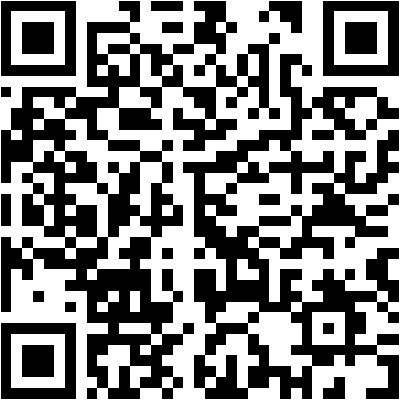
{"type":"admit","reg_no":"25-0-3-00-001","course_code":"BMED1401","schedule_id":101}
Sheet serial 1930000099
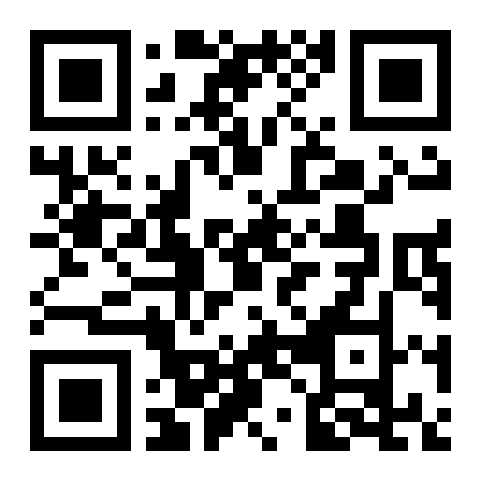
{"type":"omr","sheet_no":"1930000099"}
FATIMA AKTER
ID 25-0-3-00-002
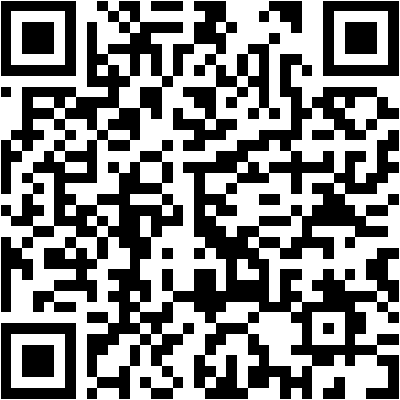
{"type":"admit","reg_no":"25-0-3-00-002","course_code":"BMED1401","schedule_id":101}
Sheet serial 1930000100
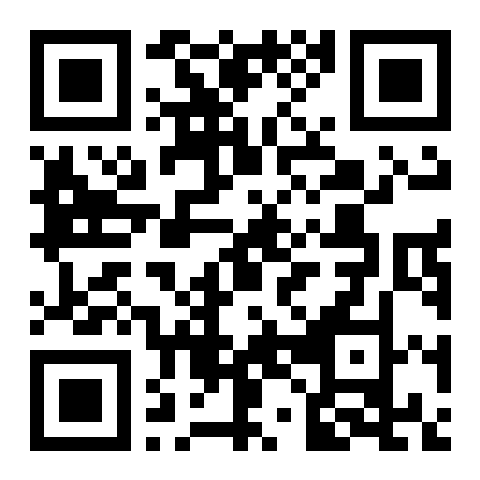
{"type":"omr","sheet_no":"1930000100"}
Should be rejected: not allocated to room 1
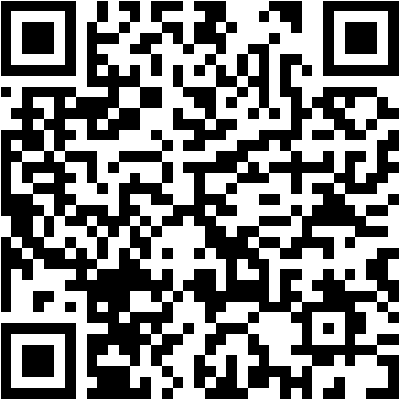
{"type":"admit","reg_no":"25-0-3-00-099","course_code":"BMED1401","schedule_id":101}